
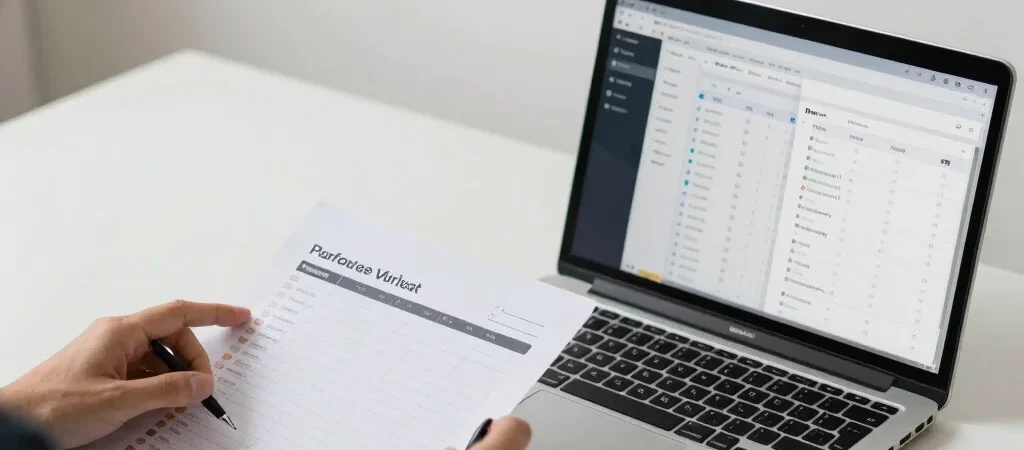
A new planning app may promise to bring everything together, but the first useful question is smaller: can it make one recurring task easier? Trying to assess every feature at once turns a software trial into browsing. A short, deliberate test gives you a clearer basis for deciding.
Pick one recurring task
Choose something you already do, such as assigning household errands, tracking freelance invoices, or planning a weekly team check-in. Note how you handle it now and where the friction shows up. That baseline makes it easier to tell whether the software improves the process or merely changes its appearance.
Follow the whole workflow
Set up a realistic example and take it from start to finish: add the information, find it again, make a change, and share or export it if that matters to you. Pay attention to setup time, confusing steps, and whether the app works on the device you actually use. A smooth first screen is not enough if the routine becomes harder later.
Review the commitment
Before subscribing, check the renewal terms, cancellation process, data export options, and which features are limited by the plan. Consider who else must learn the tool and whether the benefit is worth that transition. If the trial has not shown a clear improvement in your chosen task, pause rather than paying in the hope that extra features will solve the problem.